Choosing the right primary category starts with your core business model and where most revenue comes from. Pick a precise category that matches what you actually do, then add up to nine secondary categories that support your services. Change only when your offerings or revenue streams clearly shift, and guarantee your primary stays aligned with your site content and user intent. Expect quick changes, but some reviews can take time. If you keep this focus, you’ll open up better local visibility and more clicks. You’ll learn more next.
Intro: What this change impacts (Search + Maps)
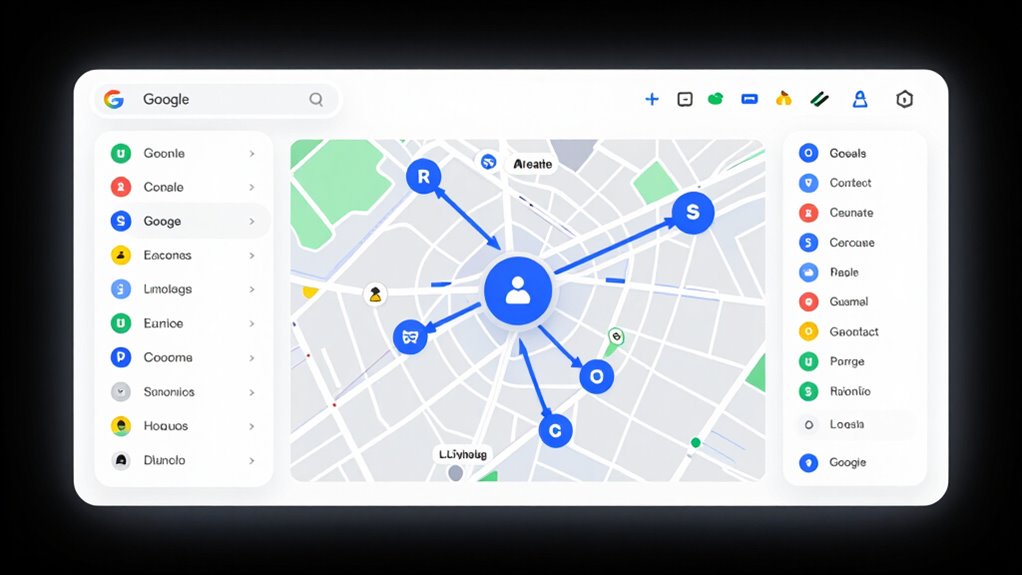
Understanding how this change affects Search and Maps is essential for your local visibility. When you optimize your google business profile, you’re shaping how customers discover you both in search results and on google maps listing. The primary category matters most for relevance, guiding Google to match your profile with exact search intents like “Phad Thai near me” or “dentist.” Your choices also influence which queries trigger your listing in the local pack, so precise categorization helps you appear in the right moments. Proximity still matters, but prominence grows as you align categories with what people search for and gather consistent reviews. Start by selecting a strong google business profile primary category that reflects your core offering. Accurate categories help ensure your business appears in appropriate search results and improve trust with users. Google Verification and the process behind it can reinforce accuracy across platforms, supporting a stronger local presence.
The rulebook: what Google expects (high level)
This is where Google’s expectations for category identity become clear: your primary category should complete the question, “This business IS a…,” not merely “This business HAS a….”
In practice, that means you’ll want a category that captures the core essence of what your business does, not just a list of products or services you offer. The rulebook emphasizes specificity, with the most precise category often outperforming broader options.
You should choose the primary category that best represents core operations, then reinforce it with relevant secondary categories. Consistency across NAP, descriptions, and services matters for google business profile optimization.
Follow google business profile guidelines to maintain clarity, while leveraging google business profile help resources for ongoing accuracy and visibility.
Step-by-step process
Step through the step-by-step process with a clear plan, starting from prep to verification so you can track impact and maintain consistency across assets.
If you align your checks early, you’ll save time and avoid rework later. Here are the key stages to keep in mind:
- Prep checklist (assets, proof, consistency)
- Execution steps (what to click / what to submit)
- Verification / QA steps (how to confirm it worked)
- Post-change monitoring (tracking for 4–12 weeks)
Prep checklist (assets, proof, consistency)
To prepare for a primary category switch, you’ll start with a thorough prep checklist that covers assets, proof, and consistency.
Begin with assets: collect your legal business name, a single canonical address and phone number, high‑quality photos and logos, a prioritized service list, and a website content inventory that maps directly to potential GBP categories.
For proof, assemble licenses, certifications, service menus, pricing sheets, and proposals that demonstrate the primary revenue driver. Gather local citations and offline branding evidence, plus historical records showing genuine focus shifts. This aligns with best practices for establishing credibility and searchability in local profiles and supports the concept of maintaining consistent and verifiable business information across platforms local citations and offline branding evidence.
For consistency, perform a NAP check across sites, align branding messaging, verify services vs. category distinctions, and map multi‑location profiles.
Finally, capture a baseline of rankings, traffic, and reviews to benchmark post‑change impact.
Execution steps (what to click / what to submit)
Sign in to the Google account linked to your Google Business Profile, then locate your business in Google Search or Google Maps and open the edit options for the profile.
In Search, select the Business Profile from the right-hand panel or the “Own this business?” entry point. In Maps, click the business listing, then choose “Edit profile.”
From the in-search interface, click “Edit profile”; from Maps, select “Edit profile → Business information.” Under About, open “Business category.”
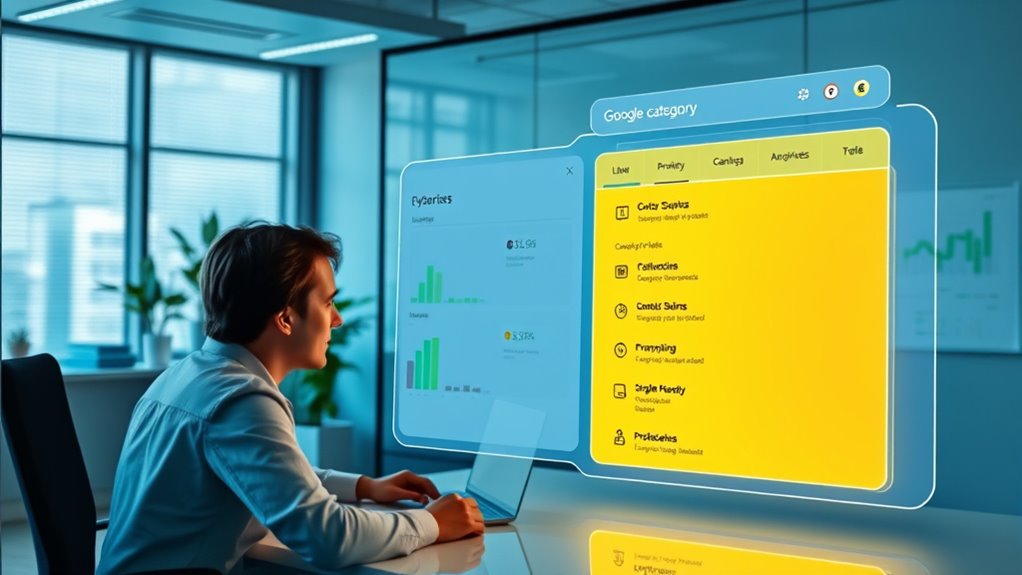
In the category editor, click the primary category field and type a precise keyword to trigger the dropdown. Choose the most specific primary category, guarantee only one is selected, then click Save.
For secondary categories, add up to nine relevant options, then Save again. Proceed with changes cautiously.
Verification / QA steps (how to confirm it worked)
Wondering how to verify your Google Business Profile category change truly took effect? You’ll run a quick, structured QA flow.
Start with an on-SERP check: search your exact business name and verify the category label matches the new primary category beside the name.
Open Google Maps to confirm the main category tag reflects the update, then test “[new primary category] near me” in your service area to see if you surface correctly.
Use incognito mode on multiple devices to reduce personalization, validating consistency.
In the GBP dashboard, confirm a verified status with no re-verification prompts.
Review emails for confirmation and validate the listing is visible in public search and Maps.
Finally, compare pre- and post-change metrics in Insights to validate continued activity and improved performance.
Common mistakes that trigger delays or denials

Misaligned or misleading primary category is a common trigger for delays or denials in Google Business Profile edits. You’ll trigger flags if the chosen category doesn’t closely reflect your core services, or if you switch to an unrelated category, which judges a fundamental business change.
Overly broad categories raise automated checks, while using a category merely for ranking gains invites manual review and possible suspension. Frequent, drastic category shifts can be interpreted as spam or profile hijacking, slowing or blocking updates. To minimize trouble, pick the most specific, accurate option and keep it consistent.
- Avoid mismatches between category and on-site content or citations.
- Don’t stack conflicting or overlapping secondary categories.
- Refrain from switching categories during sensitive edits (name, address, phone).
- Avoid keyword stuffing in business names or categories. SEO fundamentals
Troubleshooting scenarios
When you troubleshoot primary category issues, you may encounter scenarios where options are missing, edits pile up, or changes get rejected.
To navigate effectively, consider these common situations and how to respond:
- If the option is missing
- If edits are pending too long
- If you get rejected / suspended
- If you need to verify consistency across assets and listings
If the option is missing
If the option is missing, start by ruling out common interface and locale issues before assuming the category isn’t available.
First, remember that category lists are dynamic and location‑dependent; some options only appear in specific countries or languages. The field accepts only predefined options, so partial typing can trigger “We didn’t understand your category” messages.
Check for browser problems—clear cache, refresh, disable problematic extensions, and verify your browser is up to date. Inconsistent interface language or region settings between account, browser, and Maps can hide categories tied to a different locale.
If you still don’t see a viable option, the category may have been retired or replaced; choose the closest relevant option and reinforce accuracy with your business description and services.
If edits are pending too long
Edits can sit in limbo for longer than you expect, and understanding why helps you plan your next steps.
In practice, most profile edits review in minutes, but some still drag into days or even 30 days due to bugs, mixed signals, or backlog. If your change involves core data—like address, category, or name changes—expect longer scrutiny.
Before escalating, verify the profile is fully verified and that you’re compliant with Google’s guidelines, then audit for conflicting data across directories. Look for orange-highlighted suggested edits and decide whether to accept or correct them.
Normal delays range from 24–72 hours, yet extended cases call for patience, staged edits, or a structured reapplication if issues persist. Stay proactive, document steps, and monitor for updates.
If you get rejected / suspended
Rejections or suspensions can halt category changes, and understanding the underlying cause helps you act fast.
When you’re rejected, check if the primary category misalignment blocks edits because you’re trying to add services outside the category scope. Stricter enforcement means you’ll face higher rejection rates for category modifications, so realign by selecting the correct primary type and adjust any added services accordingly.
If your profile is suspended, you lose editing rights, so you’ll need to contact support to restore access.
Review policy and content issues: avoid misleading listings, keyword stuffing, or false availability claims, which trigger blocks.
Technical problems like URL redirects or erroneous NAP data can also trigger rejections, so verify all inputs, documentation, and citations before retrying.
Checklist you can follow weekly
To start your weekly checklist, focus on confirming that your primary category still reflects your core business model and main revenue source, guaranteeing alignment with the services you actively sell.
- Compare the primary category with top-converting services in your CRM/analytics to verify alignment.
- Scan for any business-model changes (new flagship service, niche focus, discontinued services) that justify a category shift.
- Confirm the primary category matches the “This business is a…” guideline, not “has a…,” and assess secondary categories for better primary potential.
- Track weekly category performance by monitoring local rankings and key KPI changes, noting any before/after impacts.
This disciplined rhythm keeps your GBP precise, relevant, and competitive.
FAQ

Choosing the right primary category on Google Business Profile sets the foundation for how your business is perceived in local search. In this FAQ, you’ll find clear guidelines to help you pick the most accurate category and understand its impact on visibility and trust.
- Primary vs. secondary: The primary category matters most for relevance and rankings, with up to 9 secondary categories allowed to describe additional services.
- Specificity matters: Google recommends the most specific category that fits your main offering, such as “Nail salon” rather than “Salon.”
- Changing categories: You can change the primary category anytime, but be aware it may trigger re-verification and affect local results.
- Best practices: Align your primary category with core services, guarantee consistency across locations, and review categories periodically.
Next steps (what to do today)
Next, start with a practical audit of your current primary category. Audit your primary category against your core revenue drivers, using CRM data to see what actually brings in sales.
Compare it with top converting keywords from Google Search Console and Ads reports to verify alignment. Benchmark against top local competitors in the map pack to gauge competitiveness.
Check that your primary category supports your on-site content, including homepage H1, service pages, and title tags, reducing category dilution from secondary terms.
Then implement supporting optimization: front-load the primary category in your business description, refine products and services to reflect the focus, and adjust attributes that support the category.
Finally, set up tracking with UTM parameters and establish a 30–90 day evaluation window.
Wrapping It Up
Choosing the right primary category isn’t a one-and-done task; it’s a compass that guides what your customers find and how they experience you. Start precise, align with your core offerings, and test with real queries. Change thoughtfully as you evolve, not as a vanity move. When you adjust, monitor signals, refine next steps, and stay grounded in accuracy. In the end, clarity wins: clear category, clear intent, clear path to growth.