
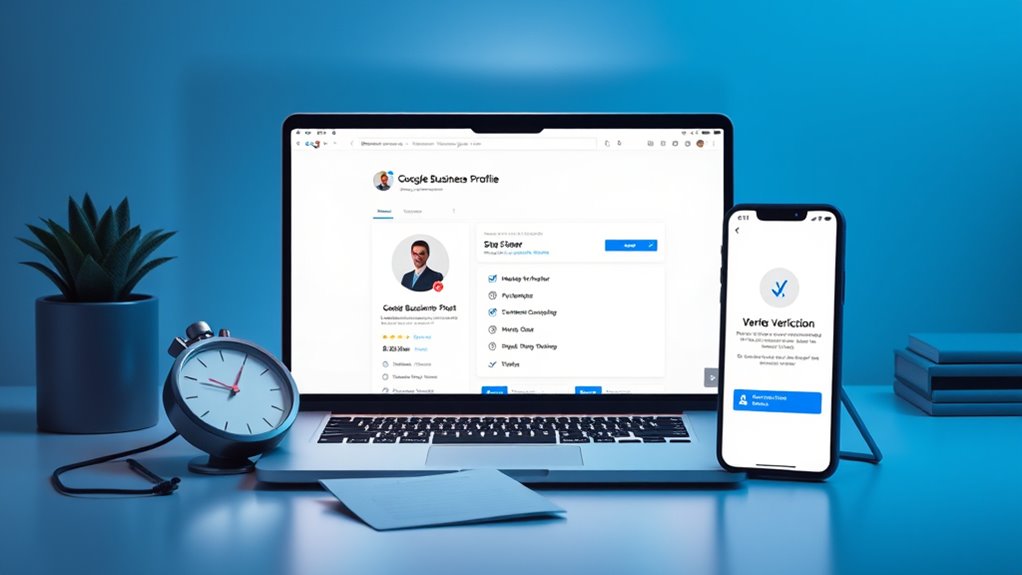
Video verification quickly proves your storefront, operations, and service area, reducing delays and building trust. Start by gathering GPS-tagged, high-res photos of your premises, signage, and workspace, plus current utility bills or lease documents. Keep branding consistent across storefronts and vehicles. Record a continuous, unedited video showing exterior, interior, and service demos, following on-screen prompts and staying within recommended lengths. Upload via the Google Business Profile app, monitor status, and address any rejection notes promptly; this approach boosts legitimacy and speeds approval, with more tips ahead.
Why Video Verification Matters and When to Use It
Is video verification the faster, more reliable way to prove your business is real? You bet, and here’s why you should care.
Video verification matters because it provides real-world proof of existence, location, and operation, making it harder for scammers to impersonate you. This directly supports the importance of verification, helping you build trust with customers and platforms alike.
When you submit a short, authentic video, you show how you work, where you operate, and who runs the business, which boosts the benefits of legitimacy. It also speeds up the process, reducing delays and enabling you to manage your profile sooner.
In practice, video verification can give you a competitive edge in crowded local searches.
New sentence with main factual point and bracketed phrase:
Google’s video verification is a live process that confirms authorized ownership through identity documentation and visual evidence at the listed location live verfication.
Prepare Assets and Branding for Verification
Prepare your assets and branding with precision. To verify your profile, gather GPS-tagged photos of your premises and equipment, making certain they’re high‑resolution and mirror your exact business location.
Use current utility bills showing the precise address, stored securely in the cloud for quick access alongside your lease or license. Include branding on vehicles and a permanent sign or board visible in materials, with your business name and location clearly shown.
Maintain branding consistency across storefront, signage, and web assets, and make sure the NAP (name, address, phone) stays uniform. Highlight tools and workspace that reflect your service type, and provide GPS-enabled images of equipment.
Organize non-sensitive documents digitally, review expirations, and back up assets to support asset organization and verification.
Ensure you stay aligned with local SEO principles by reinforcing your local presence and credibility in your verification materials, which helps improve visibility in local search results. local presence
Record a Compliant Verification Video: Step-By-Step

To begin, set up a single, continuous recording that demonstrates your business existence, operations, and authorization without edits.
You’ll create a video recording that shows the storefront, interior workspaces, and ongoing activities, staying unedited from start to finish. Use your mobile device camera while logged into your Google Business Profile account, keeping the recording steady and well lit.
Follow the on-screen instructions precisely, capture exterior signage matching your profile, and include entrances, staff interactions, and service demonstrations to prove your capabilities.
Maintain compliance tips by avoiding sensitive details, ensuring the video runs between 30 seconds and five minutes, and keeping formats in MP4 or MOV.
Compress the file if needed and verify the footage aligns with the Profile address and details.
Additionally, leveraging a verified Google Business Profile can boost credibility and local visibility, supporting a smoother verification experience Google Verification.
Submit, Track Status, and Handle Rejections
Submitting your verified video is just the start of the process. After you record, upload directly in the Google Business Profile app through the verification section, selecting the video verification option.
The submission process hinges on using the same Google Account that manages GBP, and you’ll find the steps outlined in the verification email from Google. Track status by monitoring your email for updates and checking the GBP dashboard; the blue verified badge appears only after approval.
If rejection occurs, review the rejection reasons, correct the issues, and resubmit promptly. Some common issues include upload stalls or “review issues” notifications, which may lead Google to switch to postcard verification.
If needed, open a support ticket to resolve delays.
Demonstrating Legitimacy: Service Area, Signage, and Proof On-Site
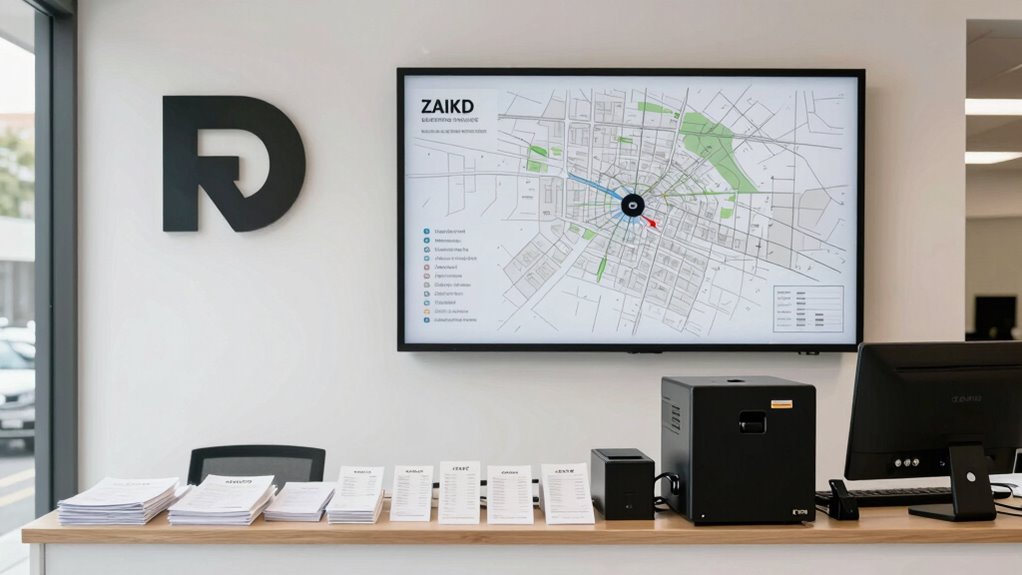
Demonstrating legitimacy hinges on proving you operate from a real location and serve your community accurately.
To verify your service area, make certain it matches your website’s “areas we serve” page, using city names, postcodes, or regions, and limit to a two-hour driving radius from your base. Avoid overlapping areas across listings and cap at 20 per profile.
For on-site proof, show your service vehicle beside a street sign or a recognizable landmark, and capture the Google Maps location with nearby cues. Use GPS-enabled photos, start video at your premises or service area, and confirm you’re filming a real, publicly listed location.
Signage requirements demand clear business signage at the location and visible branding in nearby equipment or vehicles.
By aligning your verification content with authentic engagement and consistent branding, you reinforce your credibility and improve discoverability in local search. authentic engagement and consistent branding are reinforced through a robust content strategy that showcases expertise and addresses customer needs.
Wrapping It Up
You’ll emerge from this process with a verified Google Business Profile that radiates credibility and trust. By preparing assets, following a compliant video, and tracking status diligently, you’ll avoid delays and demonstrate legitimacy with clear signage and on-site proof. Stay organized, speak clearly, and keep branding consistent across steps. When rejections happen, adapt quickly, resubmit, and monitor feedback. In short, precise preparation plus steady execution secures quicker verification and a stronger online presence that translates into real business momentum.